Best Chat App Like WhatsApp with Free Audio & Video Calls

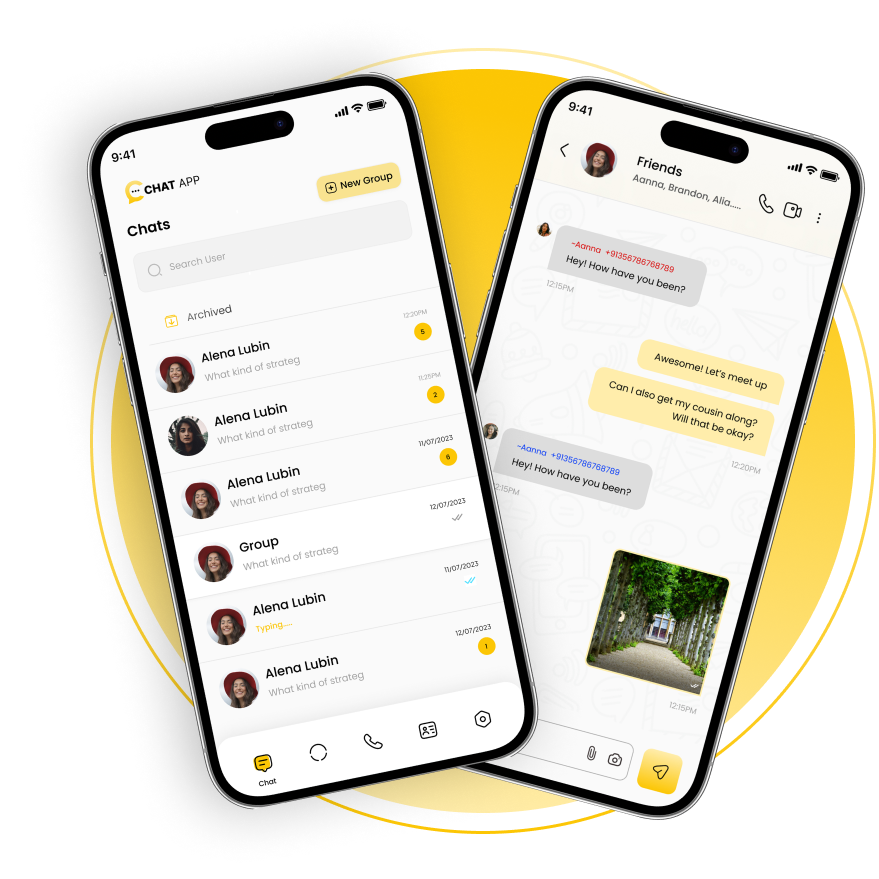
Experience the ultimate communication with our chat app like WhatsApp, featuring free audio and video calls, private chats, and group messaging. This app like WhatsApp delivers seamless performance, user-friendly design, and enhanced privacy. Stay connected with friends, family, or teams effortlessly. Combining reliability, advanced features, and security, our best chat app like WhatsApp ensures your conversations are smooth, engaging, and uninterrupted across all devices.

app like WhatsApp

Key Features of the Best Chat App Like WhatsApp

Explore the key features of a chat app like WhatsApp designed for seamless communication. A reliable app like WhatsApp offers instant messaging, free audio & video calls, secure private chat, and engaging group chat options. Enhanced media sharing, real-time notifications, and intuitive design make it a top choice for users worldwide.

img

Avatars

You can choose an avatar of your choice instead of uploading an image.

img

Phone Authentication

Please verify your number to access the Whoxa Chat web.

img

Single Chat

Allows users to chat privately with a single person at a time.

img

Group Chat

Allows multiple users to chat at once and manage groups with multiple admins.

img

Delete

You can delete messages in two ways: for yourself or for everyone in the chat.

img

Add Participants

Add multiple members to your new group chat.

img

Clear Chat

Clear conversation history for individual users or groups.

img

Search Chat

Search chat feature for quick access to multiple messages.

img

Contact List

Whoxa Chat allows the contact list to display either all users or only phone contacts, adjustable through the admin panel.

img

Edit Profile

Users can view and update all their information in the profile section.

img

Block Contacts

Any user you block will be listed under your blocked contacts.

img

Reply

Use the reply icon to answer a specific message directly.

img

Forward Messages

Multiple messages can be forwarded in a single action.

img

Report user

You can report a user for various reasons; these reports are accessible to the admin.

img

Archived Chat

Any chat a user wants to keep out of the main list can be moved to the archive.

img

Status

A status may include text, images, or videos and generally disappears after 24 hours.

img

Free Audio Call

Users can enjoy individual audio calls as well as group calls, making it ideal for private or collaborative conversations.

img

Free Video Call

One-on-one video calls have two participants, while group video calls allow three or more participants to communicate in real time.
Whoxa App Unique Features

Advanced Features of Whoxa App Like WhatsApp

Experience the next-gen chat app like WhatsApp with Whoxa. This all-in-one app like WhatsApp comes with advanced privacy, free voice & video calls, group chat, and instant file sharing—bringing users closer with powerful, secure, and reliable communication tools.

Real-Time Messaging

Enjoy instant communication with real-time message syncing across devices.

User-Friendly Interface

Clean, intuitive design that mimics WhatsApp’s simple and accessible features.

Cross-Platform Syncing

Seamlessly sync messages, media, and contacts between the web and mobile devices.

File Sharing & Multimedia Support

Effortlessly share images, videos, documents, and voice messages.

Group Chats with search

Create and manage groups with multiple users, and instant message delivery with typing indicators

End-to-End Encryption

Ensure your conversations remain private and secure with robust encryption.

Customizable Themes & Design

Personalize the look and feel with custom dark and light mode to suit your brand.

Contact Management

Synchronize the contact names from the mobile device, can communication with individuals from the contact list

Push Notifications

Stay notified with instant alerts for new messages and updates.

Free Audio & Video Calling

Bring your conversations to life with integrated voice and video calling features.

team image

Why Build It?

Scalability: Easy to scale and integrate with other platforms.
Cost-Effective: Develop a powerful messaging platform without the high costs of starting from scratch.
Customization: Tailor features to your specific needs and audience.

Start building your App Like WhatsApp today and transform your digital communication experience with a powerful, secure, and feature-rich messaging platform!

Let’s Start Your Own Chat App Like WhatsApp

Our Chat App Like WhatsApp Script Is Easy to Set Up and Customize for Any Project

Let’s Start Your Own Chat App Like WhatsApp

Contact Us

Today for all your requirement
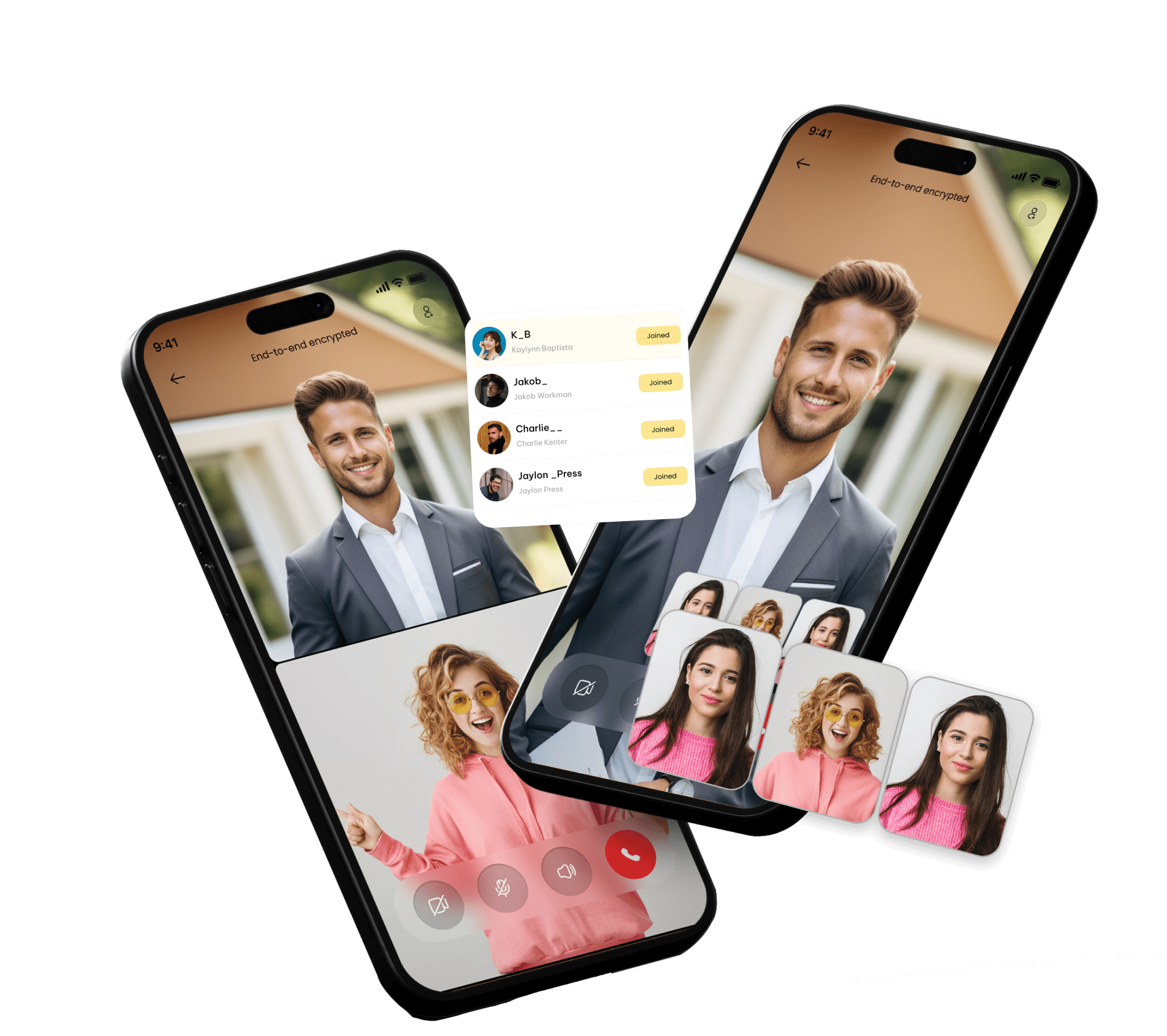

One of the standout features of the Whoxa chat application, comparable to WhatsApp, is its ability to offer free audio and video calls independently, without the need for third-party APIs

Whoxa Chat App Advanced Features

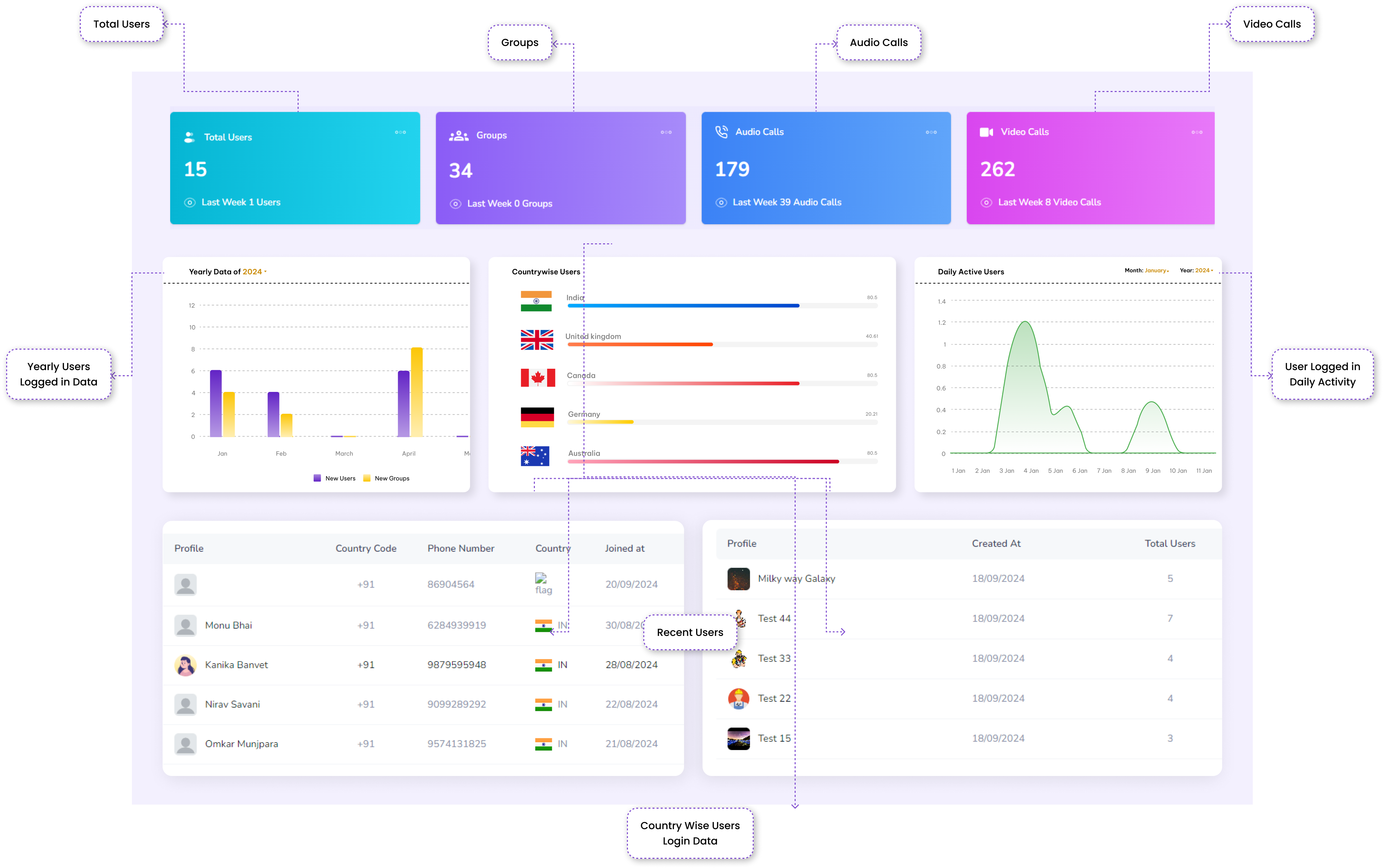
"Manage your chat platform effortlessly with an intuitive admin panel, offering real-time monitoring, user management, message control, analytics, and customizable settings for optimal performance."

Through the implementation of TURN/STUN servers, users are able to connect in settings where network restrictions are present, such as mobile data networks and corporate firewalls.

Experience a seamless App Like WhatsApp for all platforms, offering smooth communication and efficient user interaction. This WhatsApp like app ensures easy synchronization across devices, providing a consistent and responsive experience whether you're using a PC, tablet, or smartphone. Perfect for businesses and personal use!
free video call app

How Does Our App Like WhatsApp Clone Solution Work?

Enjoy a user-friendly, customizable, and secure social networking app development with our experts. Here's how our App Like WhatsApp can benefit your business.

Our whoxa whatsapp like app provides a seamless and intuitive experience for businesses and individuals who want to create WhatsApp like app services on their app or platform. By leveraging the power of this application, users can enjoy a user-friendly interface and full communication capabilities similar to WhatsApp, but embedded in their web environment directly into the.

The process begins with installing an app for WhatsApp on your device. Once installed, users can easily connect their mobile WhatsApp account, enabling real-time messaging, multimedia sharing, and much more. The app syncs messaging between the web and mobile devices, ensuring that no conversations are missed and that the user experience remains smooth.

Our solutions are designed to be completely customizable, giving businesses the freedom to tailor interfaces and features to suit their needs. Whether you want to improve customer support, improve group communication, or add WhatsApp functionality to your website, our web clone app for WhatsApp offers a powerful, cost-effective solution to your all needs are met for. Some are the core features are explained.

Profile Creation:The user has to create a profile by providing their contact information, email address, profile picture, username, and so on.

In-App Audio & Video Call: User can communicate through free audio and video call in real time as single to single or a group call.

Instant Messaging:If any Group members are interested in a particular service/product, they can instantly chat with the admin for more information.

  • User Registration and Authentication: Users can easily sign up with their phone numbers, and authentication is performed through OTP (One-Time Password), ensuring a secure login process.
  • Instant Messaging: Whether it’s a one-on-one conversation or a group chat, users can send and receive text messages, images, videos, and files in real time, ensuring an uninterrupted communication flow.
  • Voice and Video Calls: With integrated voice and video calling features, users can connect with friends, family, or colleagues instantly. Enjoy high-quality calls, all directly within the web app.
  • Real-Time Notifications: Push notifications alert users to new messages, calls, or updates. This ensures you never miss an important conversation.
  • Media Sharing and File Transfers: Share images, videos, documents, and other files effortlessly. The web solution supports multiple media formats, allowing users to transfer files with ease.
  • End-to-End Encryption: Privacy is a top priority. Our solution ensures end-to-end encryption, meaning that only the sender and recipient can read the messages, keeping all communications private and secure.
  • Customizable UI/UX: Tailor the web platform to suit your brand’s unique needs with customizable themes, colors, and layouts, delivering a personalized user experience.
  • Admin Panel: The admin panel allows easy user management, ensuring admins can monitor and manage users, chats, and settings from one place.
  • Seamless Integration:The solution is easy to integrate with your existing website or business platform, providing a smooth user experience without the need for a complex setup.
  • Scalable & Flexible:As your user base grows, our solution is built to scale with ease, supporting thousands of users with minimal downtime or performance issues.
FAQs for Chat apps like Whatsapp

Chat apps like Whatsapp

Absolutely, you can create a app like WhatsApp that meets your business requirements and aligns with your service standards. To develop an app like WhatsApp, it's essential to focus on key elements such as validating your ideas with experts, selecting advanced features with a dependable tech stack, hiring top UI/UX designers, thoroughly testing the app, and ensuring its submission on multiple platforms.

Yes, the app like WhatsApp is fully secure and reliable. We always make sure to test your application and add all security tools to protect it from third-party attacks. Additionally, we also follow an agile process that ensures secure and cost-effective app development.

We recommend that you retain our team on a monthly contract, which will include the management of any updates that may occur in the interim.

We follow an agile methodology to develop and test your chat app like WhatsApp. That means that at every stage, you are involved in the process to continue to make sure that the app is built according to your expectations.

Yes, Multilanguage is supported in whoxa web clone, you can add or edit the language from backend.

Yes the whoxa chat app is synced up with the web.

Customization according to your preferences is indeed available. It will depend on the extended license you are required to purchase, in addition to the costs associated with any extra features you wish to include

You can purchase Whoxa Whatsapp Web Clone by clicking on this link: https://codecanyon.net/item/whoxa-app-whatsapp-clone-app-chat-app-ios-chat-app-android-nodejs-chat-app-chat-messenger/56253189
Whoxa Web Technology

Tech Innovations Driving the Development of Chat Script

Tech innovations have revolutionized the creation of chat scripts, making communication faster and more efficient. Real-time data processing, and seamless integrations are key to building chat scripts that offer personalized, dynamic, and responsive interactions.

socket_icon

Socket.IO

Backend

Nodejs

Backend

twilio icon

Twilio

SMS Gateway

msg91

Msg91

SMS Gateway

MySql

Backend

chat script

Flutter

Frontend

chat script

Android

Frontend

chat script

iOS

Frontend

Group Chat

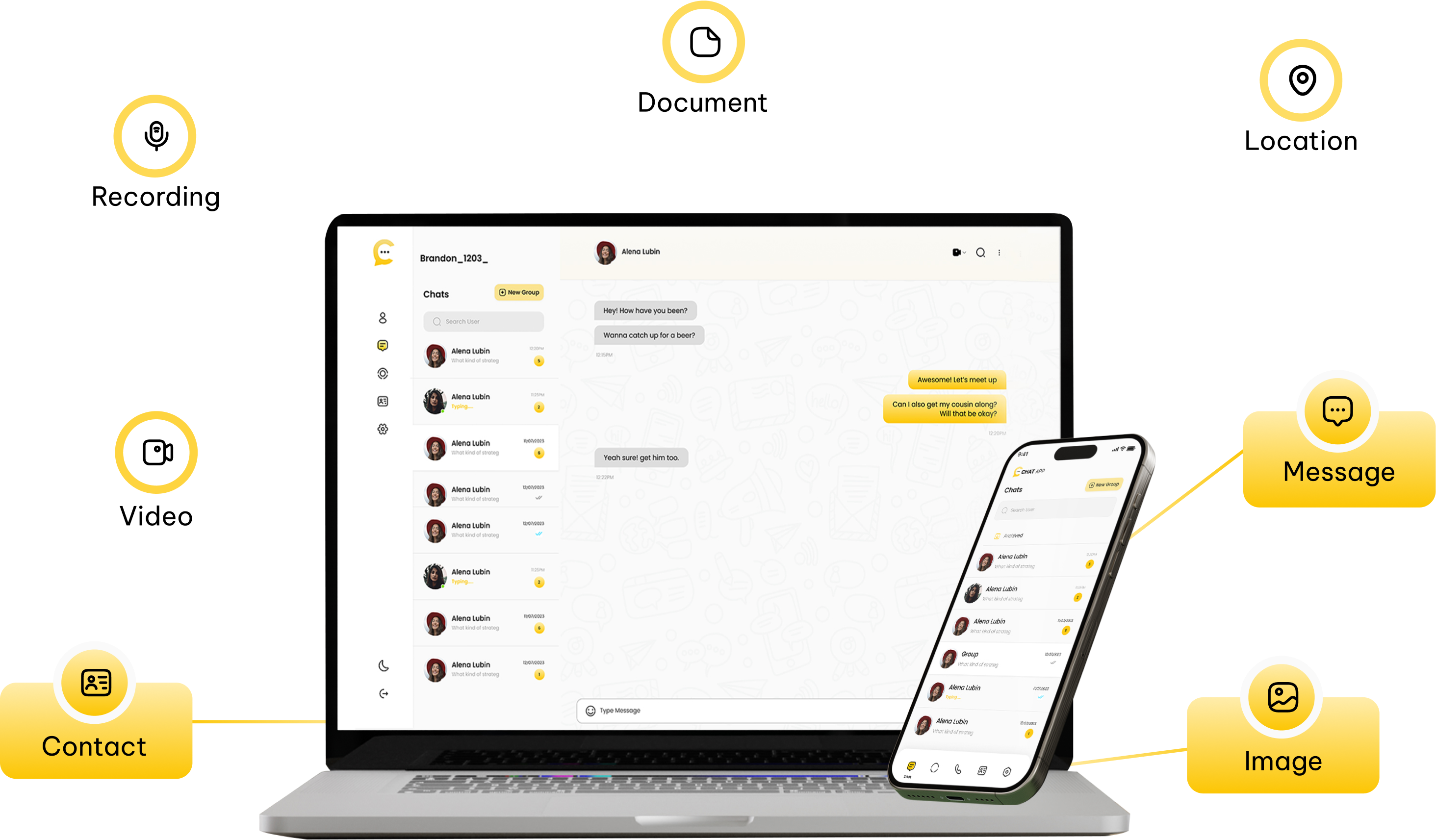
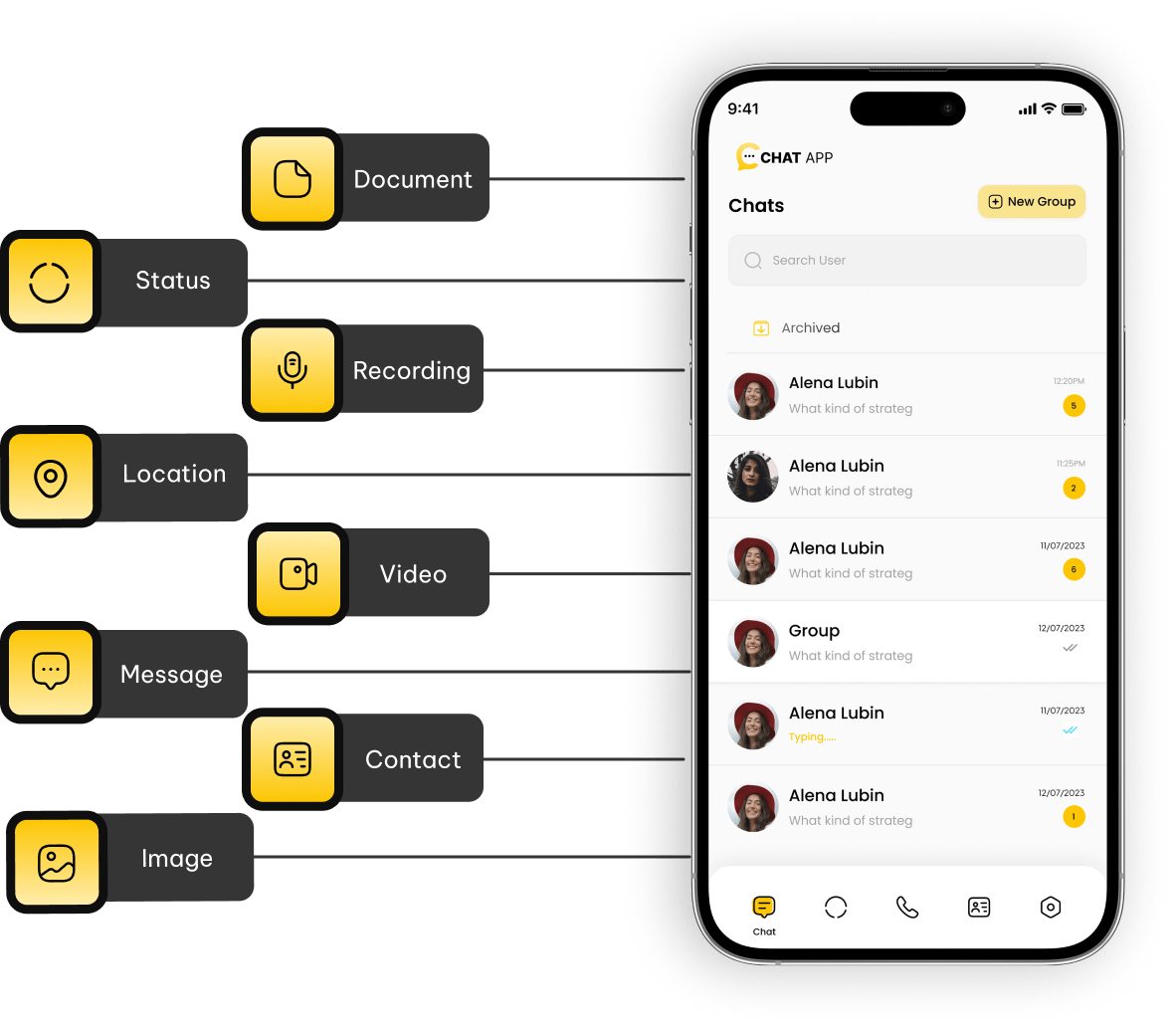
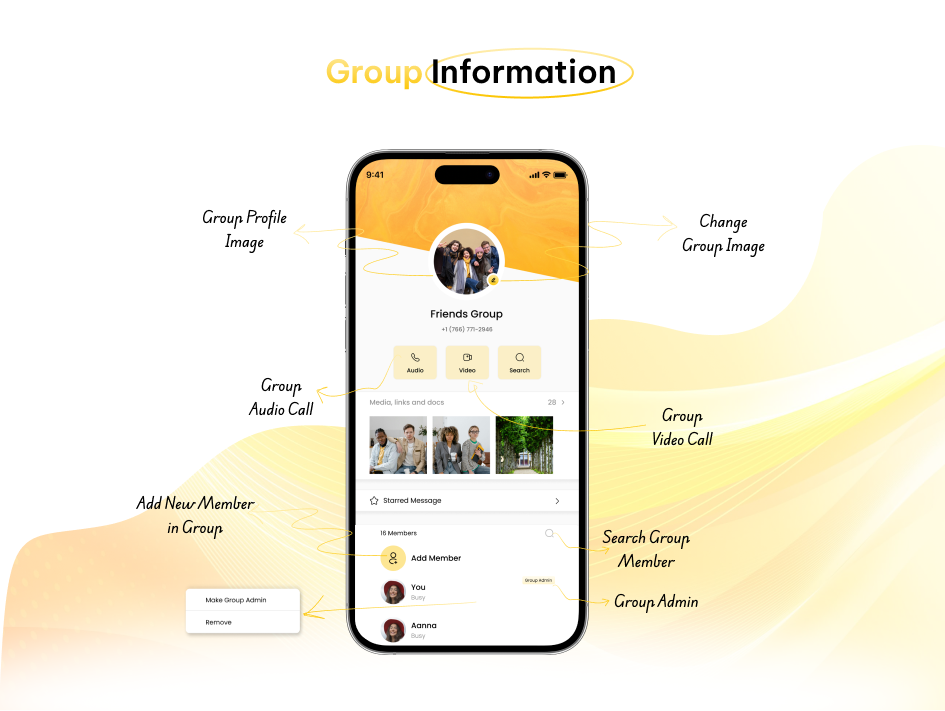
In this platform, numerous users have the capability to engage in simultaneous conversations, assign multiple administrators, and share various types of attachments, including documents, images, videos, contacts, recordings, and location information.

Multiple Participants

Ability to include multiple members in a single conversation.

Admin Controls

Ability for group admins to add or remove members, assign the roles, and manage the settings.

Join/Exit Options

Users can join or leave groups voluntarily or by invitation.

Group Size Limits

Some platforms may limit the number of participants.
Empowering Business The Excellence

In the group details section, users can see the total number of participants added to the group, along with any shared media, links, and documents. Participants can also access messages that have been marked as starred. Additionally, users have the option to block someone, report issues, or delete their membership from the group.

Media & Files: A dedicated section for all shared photos, videos, documents, and links.
Search Functionality: Search through group history by keywords, participants, or file types.
Threaded Replies:View and navigate threaded message conversations by the group members.

Admin Panel

Key Features of the Chat Software Admin Panel

Manage your Chat Software platform effortlessly with an intuitive admin panel, offering real-time monitoring, user management, message control, analytics, and customizable settings for optimal performance. With Chat Software, you can ensure smooth operations and provide a seamless user experience

whatsapp clone app
Website Demo

Check website Demo

By clicking on below link you can check the whoxa web demo

img
Clients Testimonial

Your Business Goals a Confidence

What our customers says about the whoxa chat app/web

Create a Tailored Whatsapp like app​ Now!

Create a custom WhatsApp like app to simplify communication, increase productivity, and deliver a seamless messaging experience tailored to your brand’s unique needs and enhancements! With a customized WhatsApp like app, you can harness the power of instant messaging to improve customer engagement and teamwork, all while maintaining flexibility as your business grows

Create a Tailored Whatsapp like app​ Now!

Contact Us

Today for all your requirements
Need Help?